
There are several ways to purchase media on CamSoda!
For a model's uploaded media:
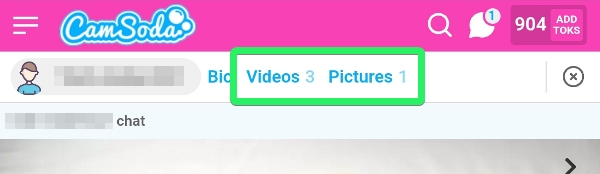
Go to the model's profile, select the tab for Videos or Pictures (visible if available), and click on a thumbnail to buy. Purchased media appears under video or photo tabs in My Media.
Browse & Discover:
Visit the Model Media page to browse and discover top-performing media and models.
See related articles for special types of media and ways to purchase:
- Custom Media
- Media Bundles
- Media via Private Messages
- Public Show Recordings
- Golden Ticket Show recordings
Pro-tips for purchased media:
- Use the search field to locate specific purchased media in your collection.
- Free media is marked as "FREE" on the thumbnail and can be viewed on the model's profile, but won't be saved in your purchases.
- To delete purchased media, click the trash can icon on the thumbnail and confirm deletion.