
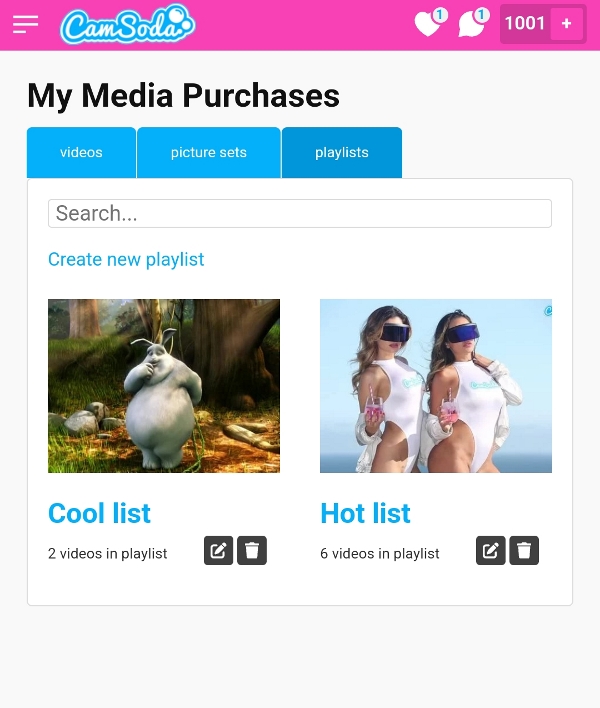
From your Playlists tab:
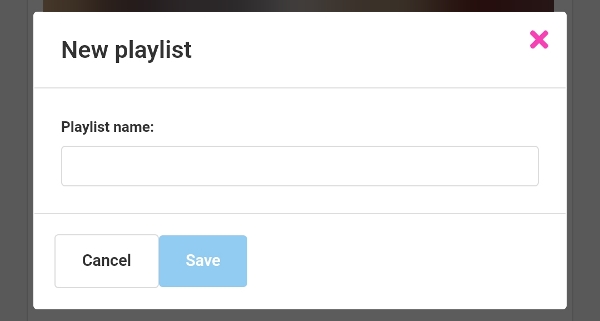
- Tap Create New Playlist, give it a name, and tap Save.
To add videos:
- navigate to purchased media page
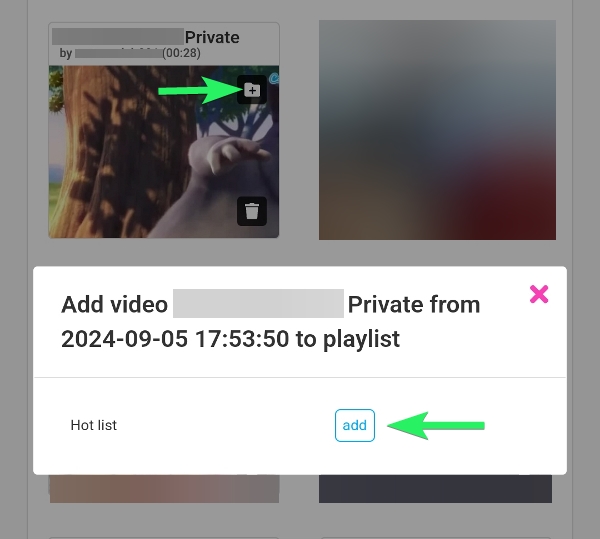
- locate a movie you want to add to a playlist and tap the add file icon (a folder with a + symbol)
- select the name of the playlist you wish to add the media to; you can add it to multiple playlists
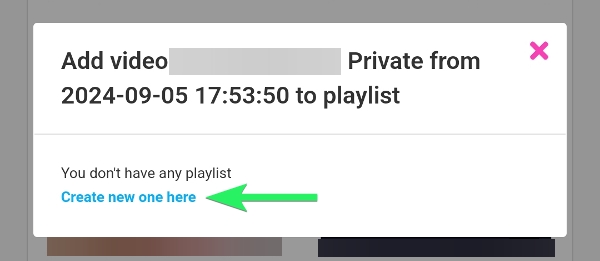
- if no playlists have been created, you'll be prompted to create one
Once you've created a playlist, you can always access it under your Playlists tab to enjoy. Tap the trash can icon to delete a playlist.